Troubleshooting
Where can I find the MAC ID of my Sensi thermostat?
If you need to know the MAC ID of your Sensi thermostat, it’s found on the back of the thermostat face plate. Simply remove the face plate from the wall, flip it over, and it’s on a sticker on the back.
Note: We use the MAC ID as the unique identifier for your thermostat instead of a serial number. If you need a serial number for an energy rebate, please use the MAC ID.
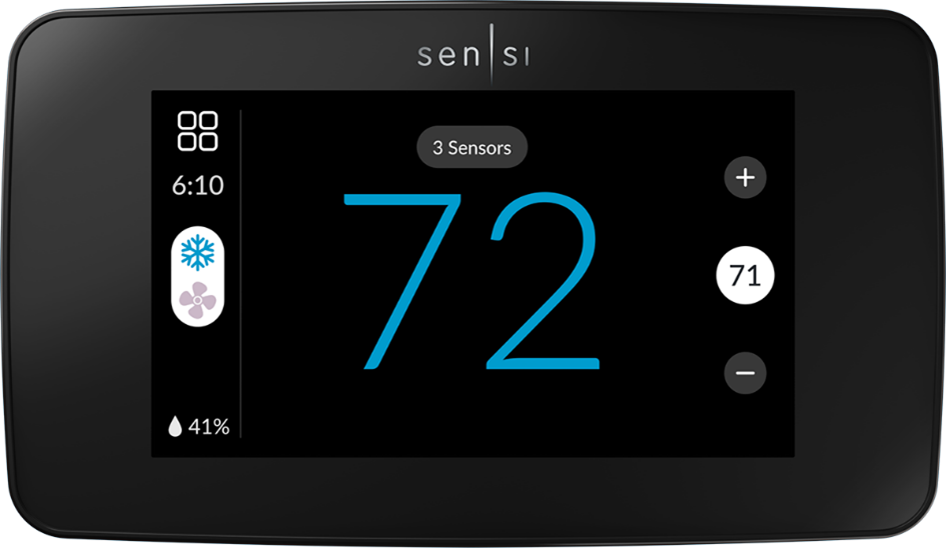
Sensi smart thermostat
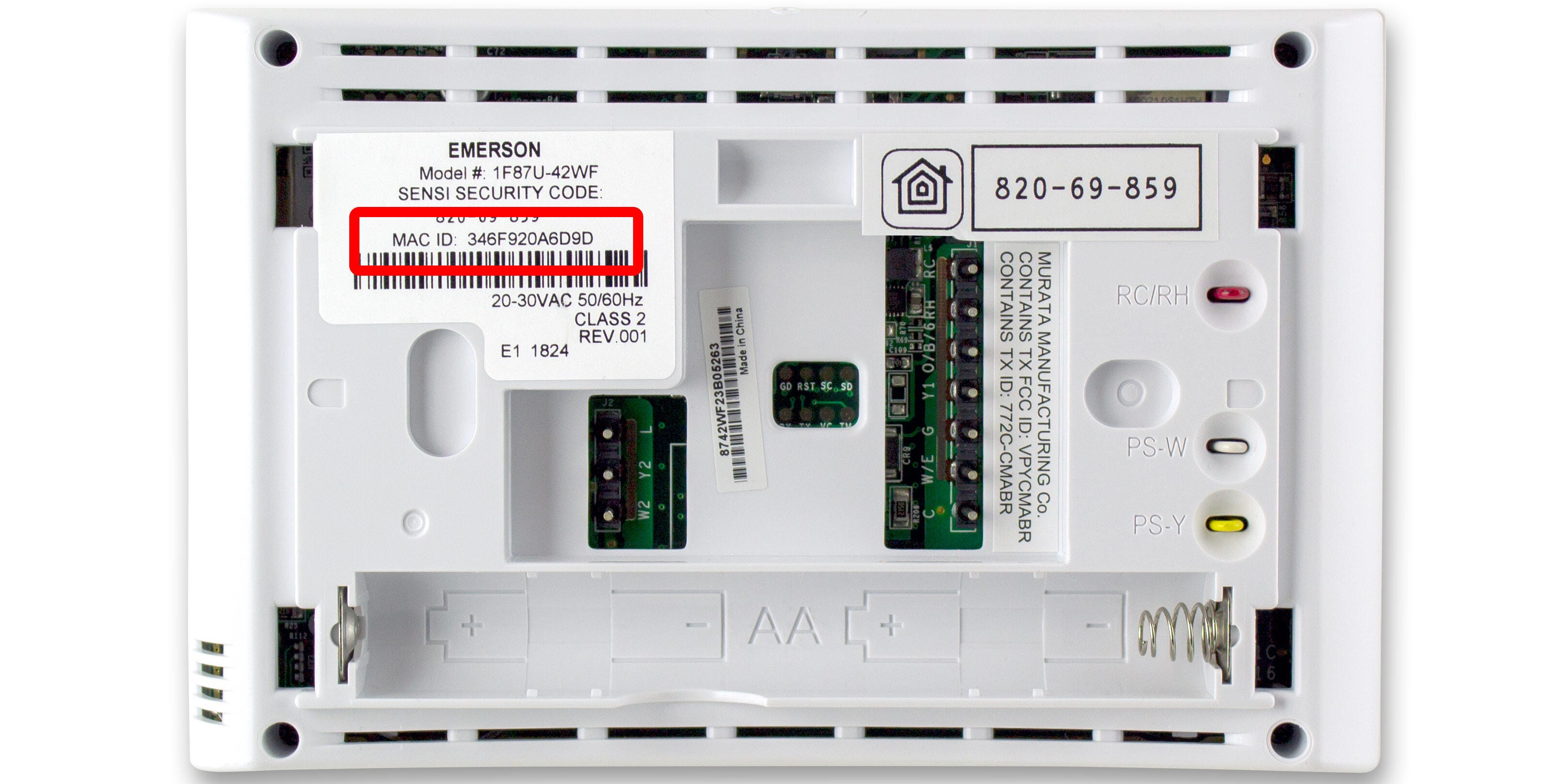
Sensi Touch smart thermostat
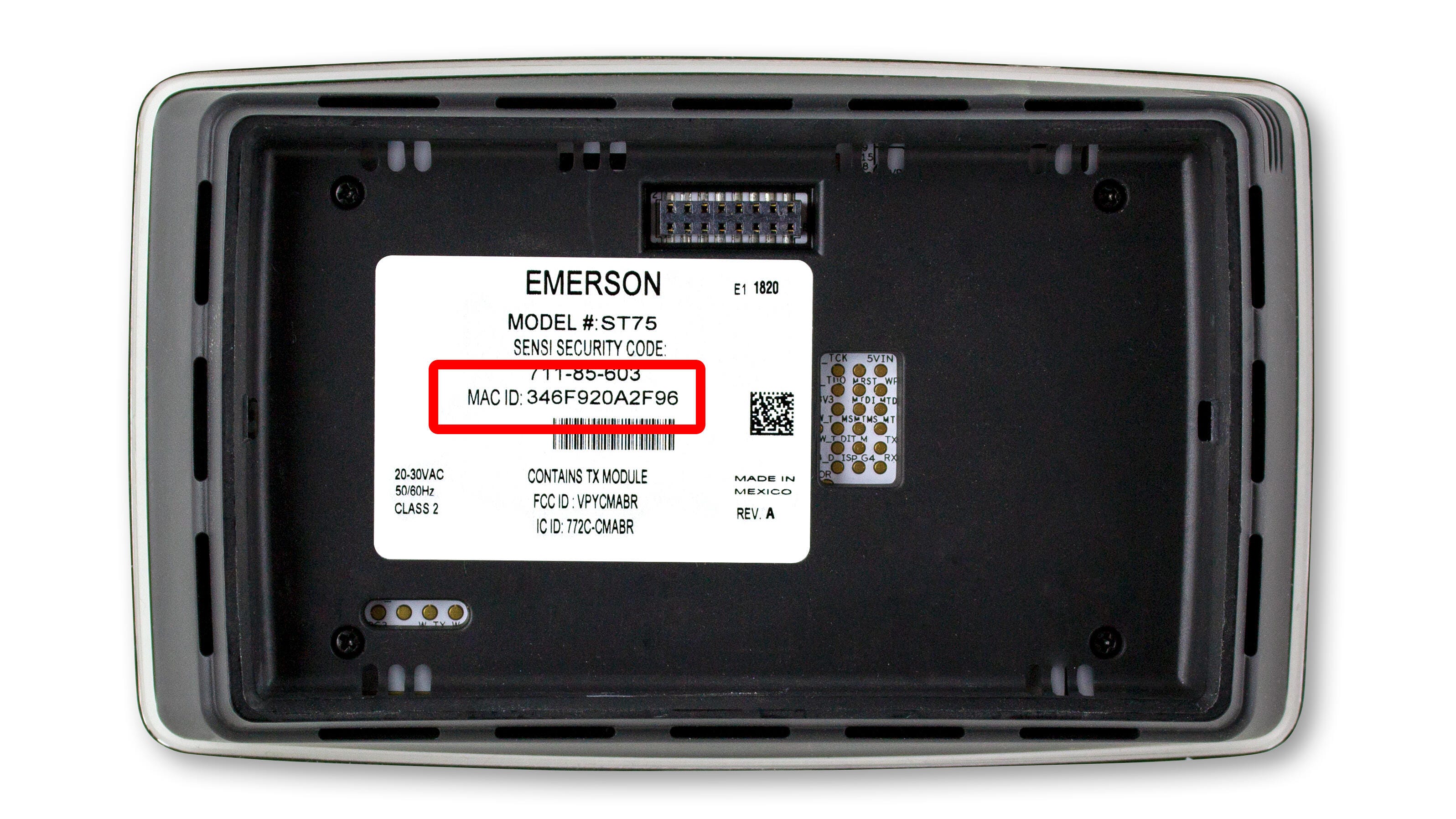
Sensi Touch 2 smart thermostat
Reach out to us
Our customer support is available 7 days a week.
