Operation
How do I control multiple thermostats?
If you already have Sensi Multiple Thermostat Manager:
Select the thermostats you want to batch control. To select your desired thermostats, simply select the box in the upper left corner of the thermostat tiles (in tile view) or select the thermostats in the left-most column (in list view).
After selecting the desired thermostats you want to control, you can:
- Change the mode (Heat, Cool, Auto, Off)
- Change fan mode (Auto, On)
- Set the temperature
- Lock the thermostat
- Add or edit a schedule
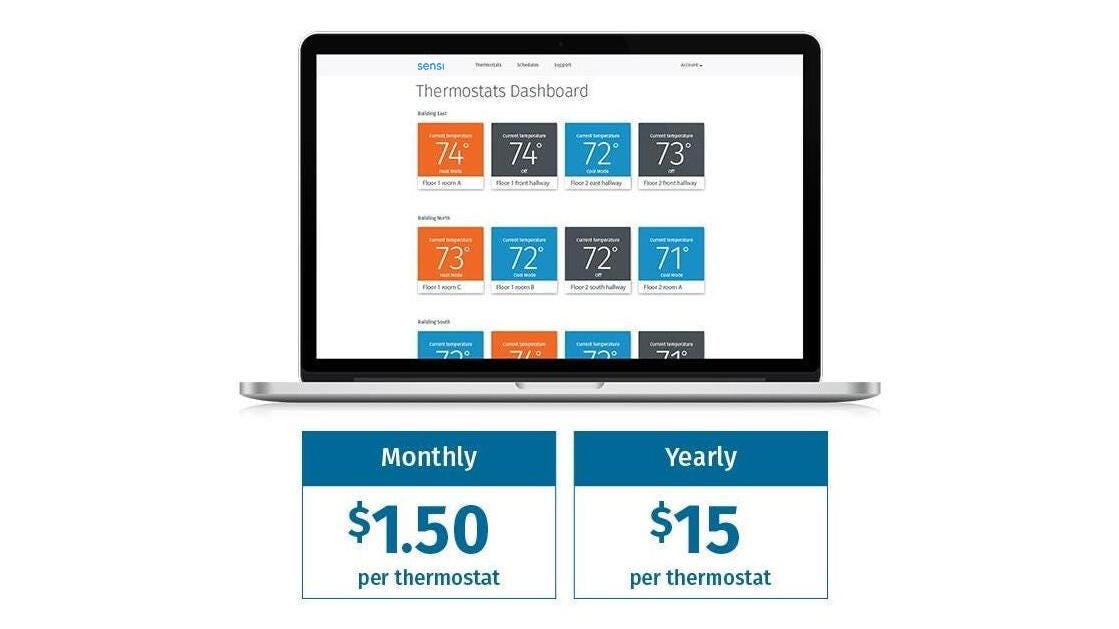
If you don't yet have Sensi Multiple Thermostat Manager:
Sensi Multiple Thermostat Manager gives facility managers the power to control all their thermostats in one place. No more running room to room or overpaying on your energy bills.
Reach out to us
Our customer support is available 7 days a week.
